Sign-In & Identity
Sign-In, Not SSO: Rebuilding Trust and Performance in User Authentication
When I took over the authentication platform at AMA, “SSO” was a dirty word. It had become the scapegoat for every user experience failure across dozens of disconnected digital products. What it lacked wasn’t functionality—it lacked ownership, strategy, and user-centered thinking. This case study outlines how I rebranded and rebuilt SSO into “Sign-In,” introduced modern authentication options, optimized user flows, and reduced operational cost without adding user friction.
Role: Director of Product Management
Team: 8
The Problem: No Ownership, No Strategy
Before product management matured at AMA, digital products were often delivered by outside agencies with no long-term vision. Internally, steering committees of 7–10 executives guided decisions—but no one owned outcomes. The SSO platform in particular was regularly blamed when anything broke, making it a cultural punching bag instead of a strategic asset.
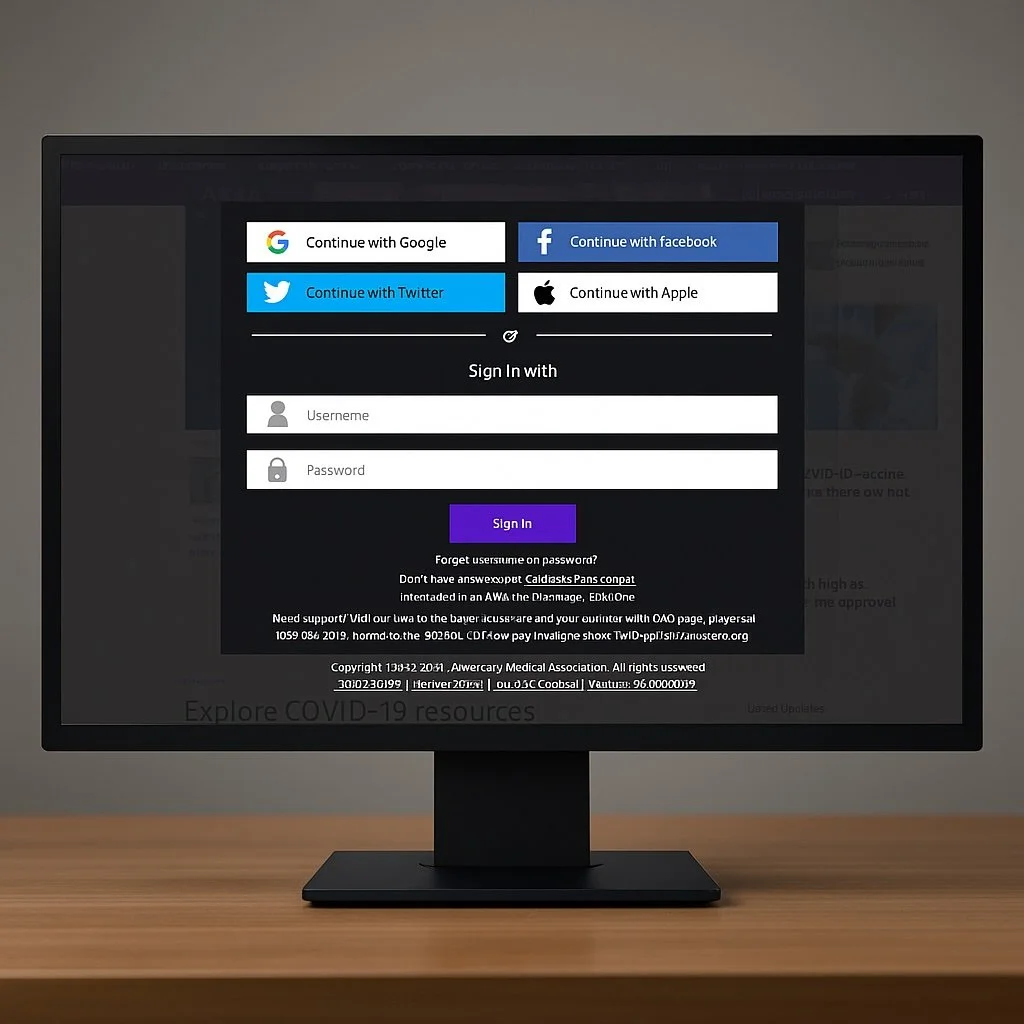
Rebranding SSO as “Sign-In”
When I was given ownership of SSO, I knew it needed more than a technical overhaul—it needed an identity shift. We rebranded the product internally as “Sign-In” and banned the use of “SSO” in all meetings. This symbolic change helped reset expectations and align teams around a product vision.
We also removed steering committees from the build process, replacing them with a true product ops team that included product management, UX, engineering, and CX. Executive stakeholders remained informed via quarterly briefings—but were no longer in the driver’s seat.
Quick Win: UI and UX Overhaul
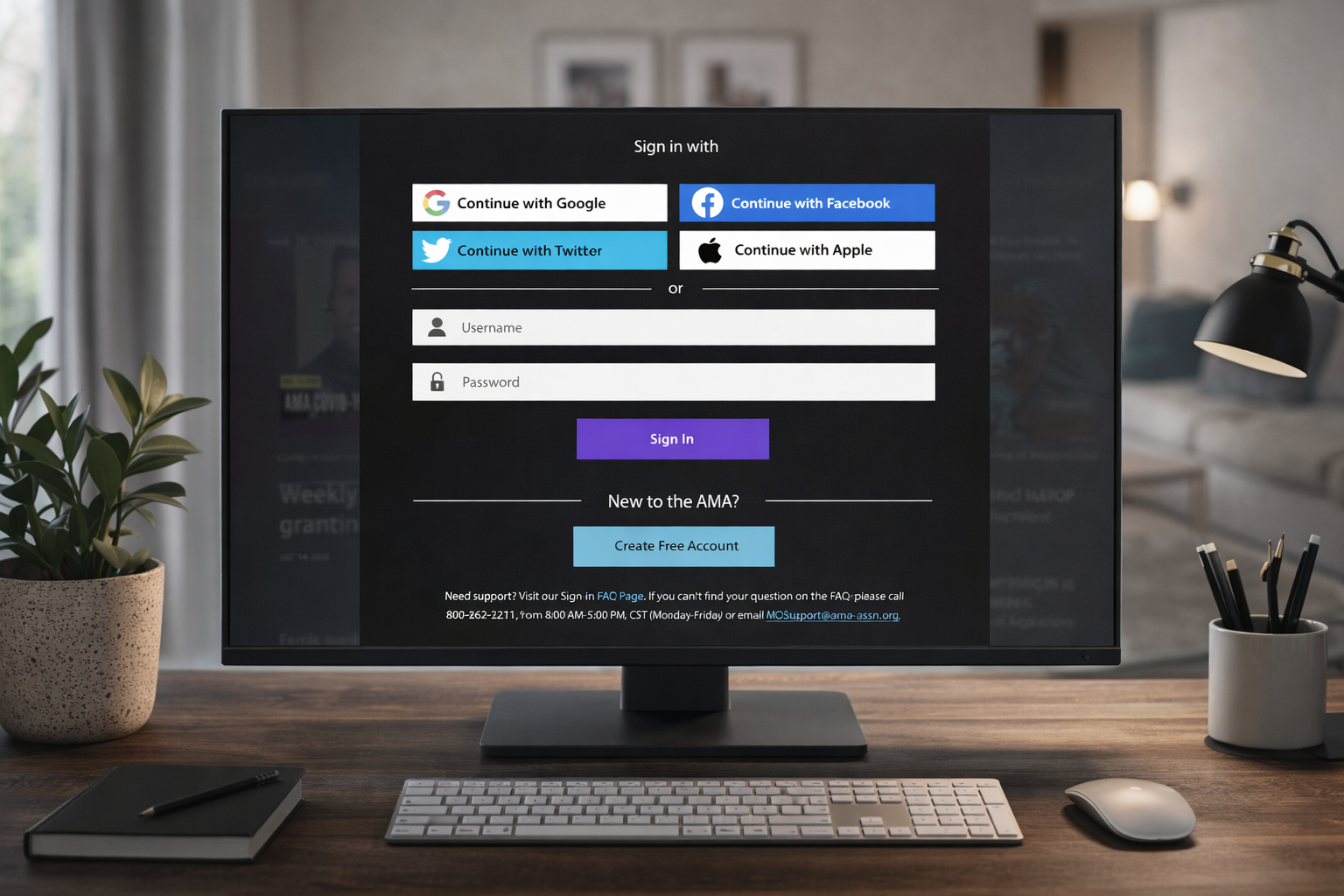
To build trust fast, we launched a refreshed sign-in experience:
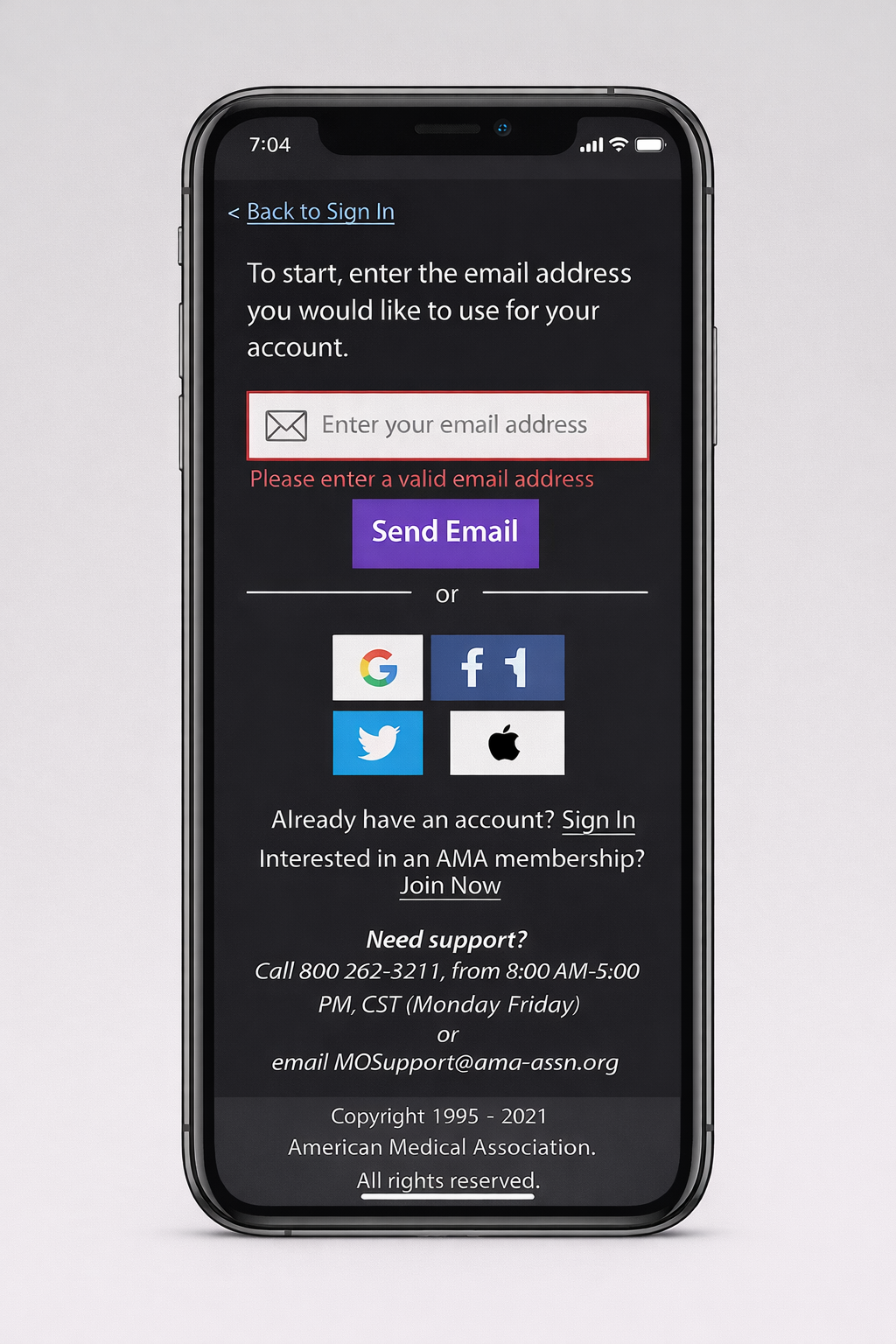
Clear separation between Sign-In and Sign-Up
Email verification added for security
Integration of social OAuth with Google, Facebook, and Apple
Cleaner user interface with improved flow logic
Sometimes, “lipstick on a pig” buys you the time needed to make deeper structural improvements—and in this case, it worked.
Designing for Flow: Reduce Friction, Increase Completion
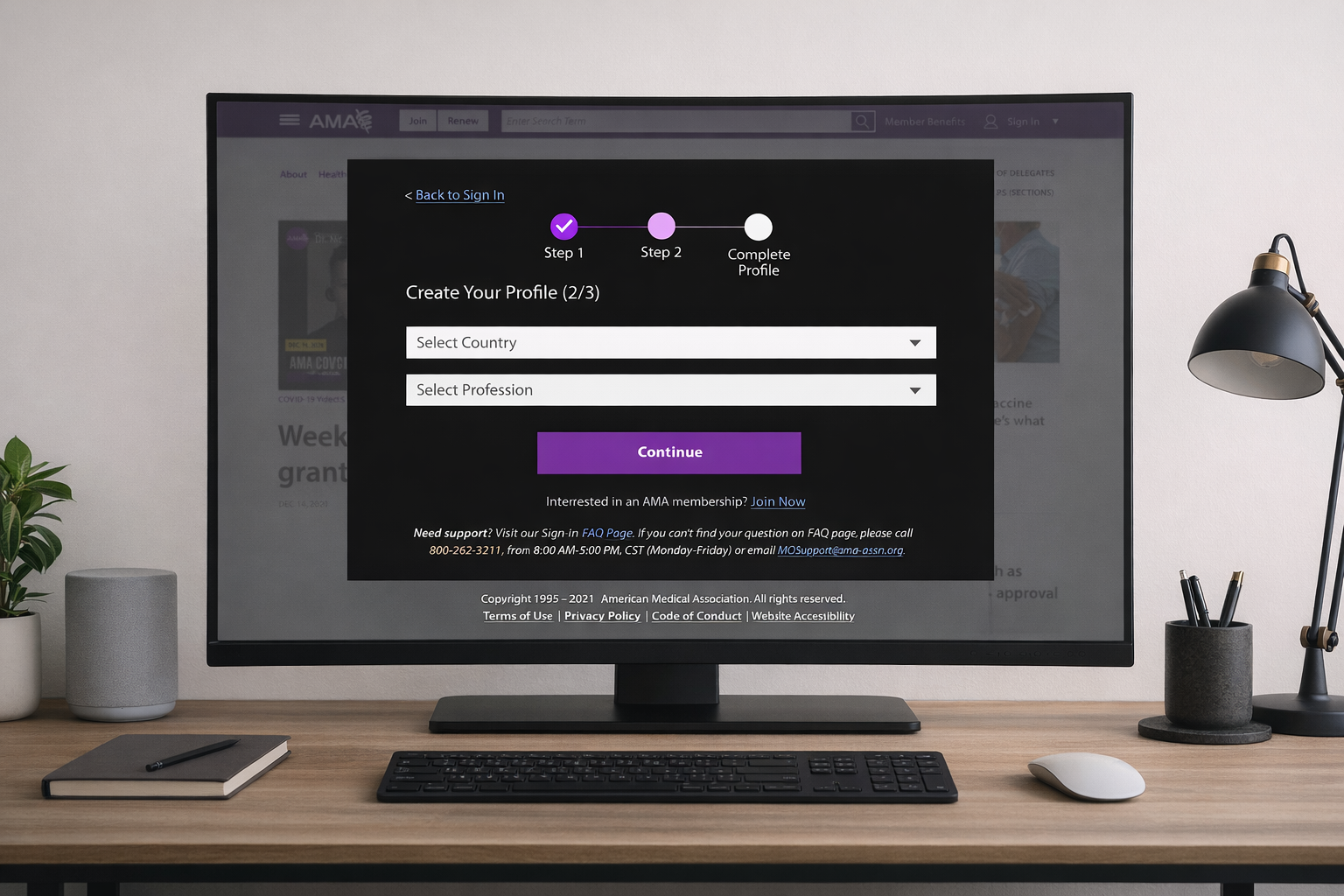
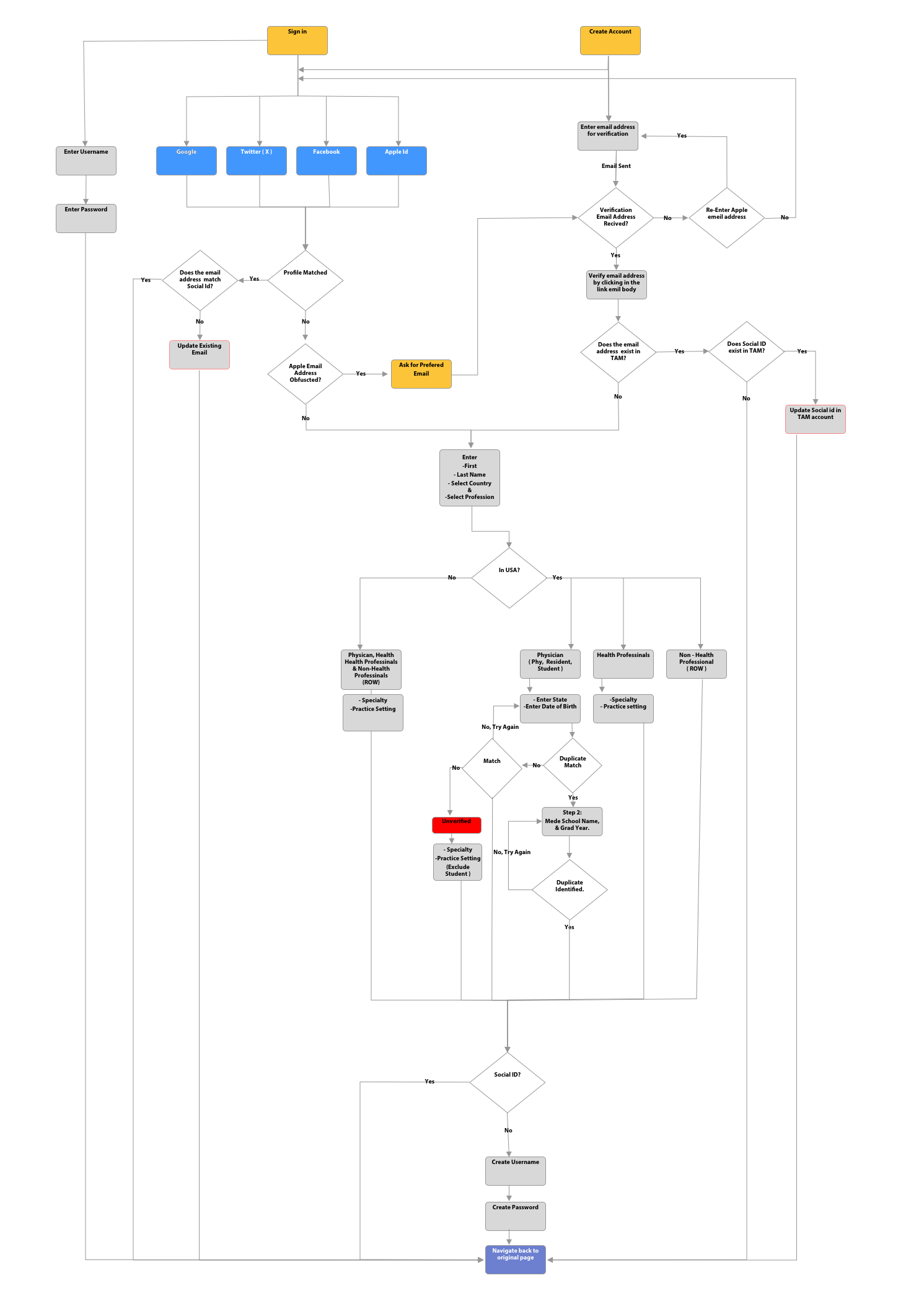
I’ve always believed that a good user flow is like the framework of a house—you can’t cover up poor structure with decoration. We audited and rebuilt every step of the sign-in and account creation experience with one goal:
Only ask for what you need—and only from whom you need it.
Domestic Physicians, Residents, Students
Domestic Health Professionals
International Professionals
Non-health professionals
We pre-created verified profiles for core user segments using medical databases, allowing them to simply claim their account. For others, we requested only essential information. This reduced account questions by 75% and increased completion rates by 50%. Help desk tickets and executive escalations also dropped sharply.
Apple OAuth Integration
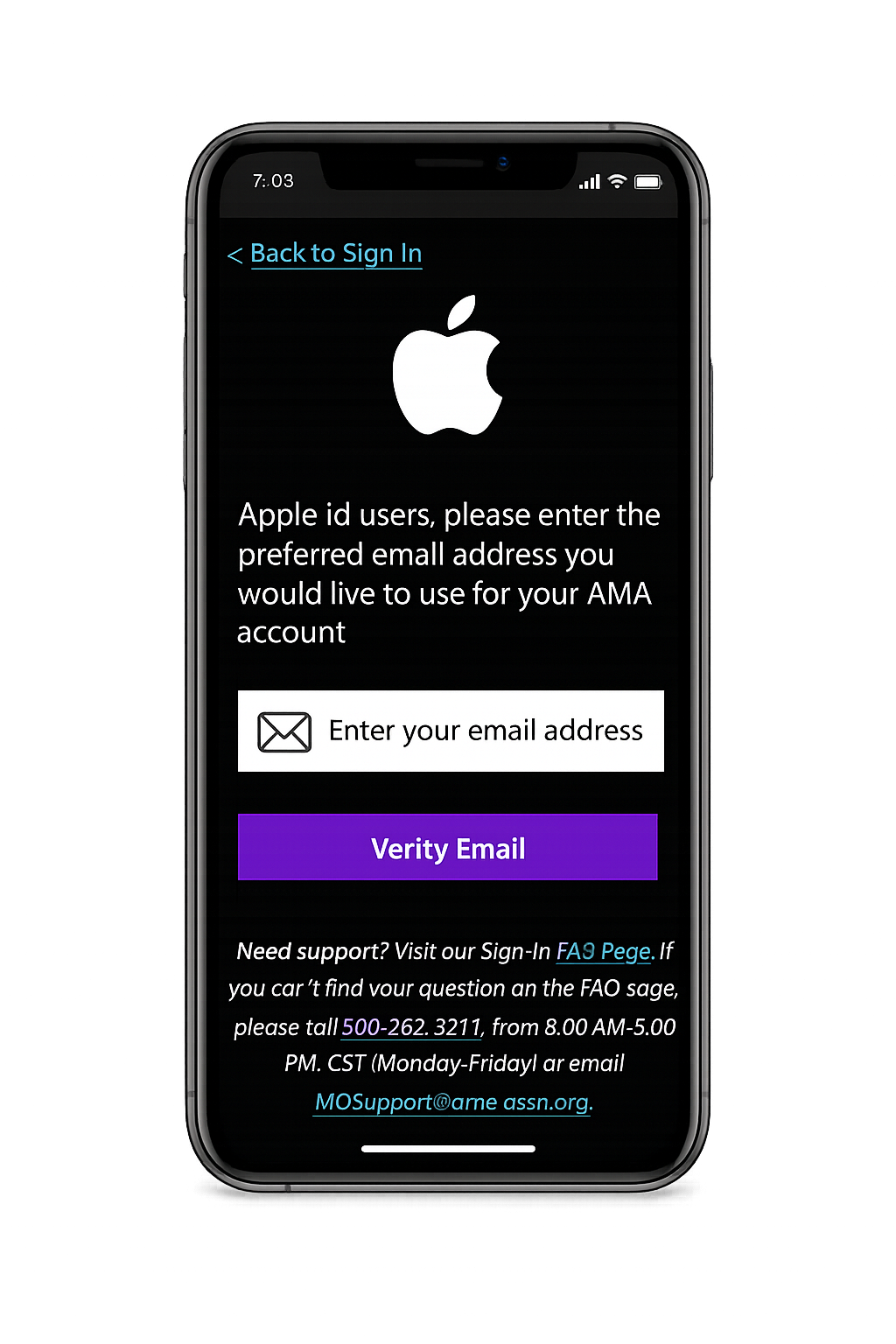
Apple users made up 70% of our target audience, so integrating Apple OAuth was critical. But Apple’s privacy rules, especially email obfuscation, introduced complexity.
We adapted by:
Identifying Apple users by Social ID
Routing obfuscated email users into a modified account flow
Keeping confirmed email users in the standard OAuth flow
The result:
Despite its complexity, the Apple OAuth integration helped grow new accounts by 30% in the following year.
Account Management Optimization
Growth brought operational challenges. As duplicate accounts and cost pressures increased, we implemented a system to:
Automatically merge accounts with 2 out of 3 matching data points (Social ID, name, email)
Deactivate unauthenticated accounts after 90 days
Fully delete dormant accounts after 5 years for privacy and security
The result:
These changes had zero user impact
Project resulted in 23% year-over-year operational cost savings
Improving Chat Support for Sign-In
Most chat tools frustrate users. They prioritize business metrics or trap users in loops. We took a different approach. We also reworked the chat experience tied to Sign-In support.
Our rule:
Serve the user first. Don’t use chat to chase business goals.
No required form fields before engagement
Real CX agents step in when AI gets stuck
Training and scripting led by the CX team, not just product

The result:
A chat experience users actually found helpful
20% improvement in CX satisfaction for Sign-In
Significant drop in friction-related complaints